Godfather Tool At Your Service
[ Medlexo is free forever for non commercial usage, don't buy it from any seller ]
Credits to FFmpeg an open source GNU LGPL v2.1 command line tool.
Get FFmpeg gui assisting tool known as Medlexo v9.7 on Windows.
Medlexo will gone forever without backup, new 10years domain need: $127.60

Ratings: ⭐⭐⭐⭐⭐
No unnecessary code = small
Medlexo32 - exe MD5: 9355A516E9CD78FDE12CE445B0AE7F0C
Medlexo64 - exe MD5: 76524DFDE8C4E0539210B65FBFF7AEB5

Donation is pledged for solely sustain this non-profit project
Medlexo don't serve ads, to help it stay alive click here 💖FAQ is this clean?
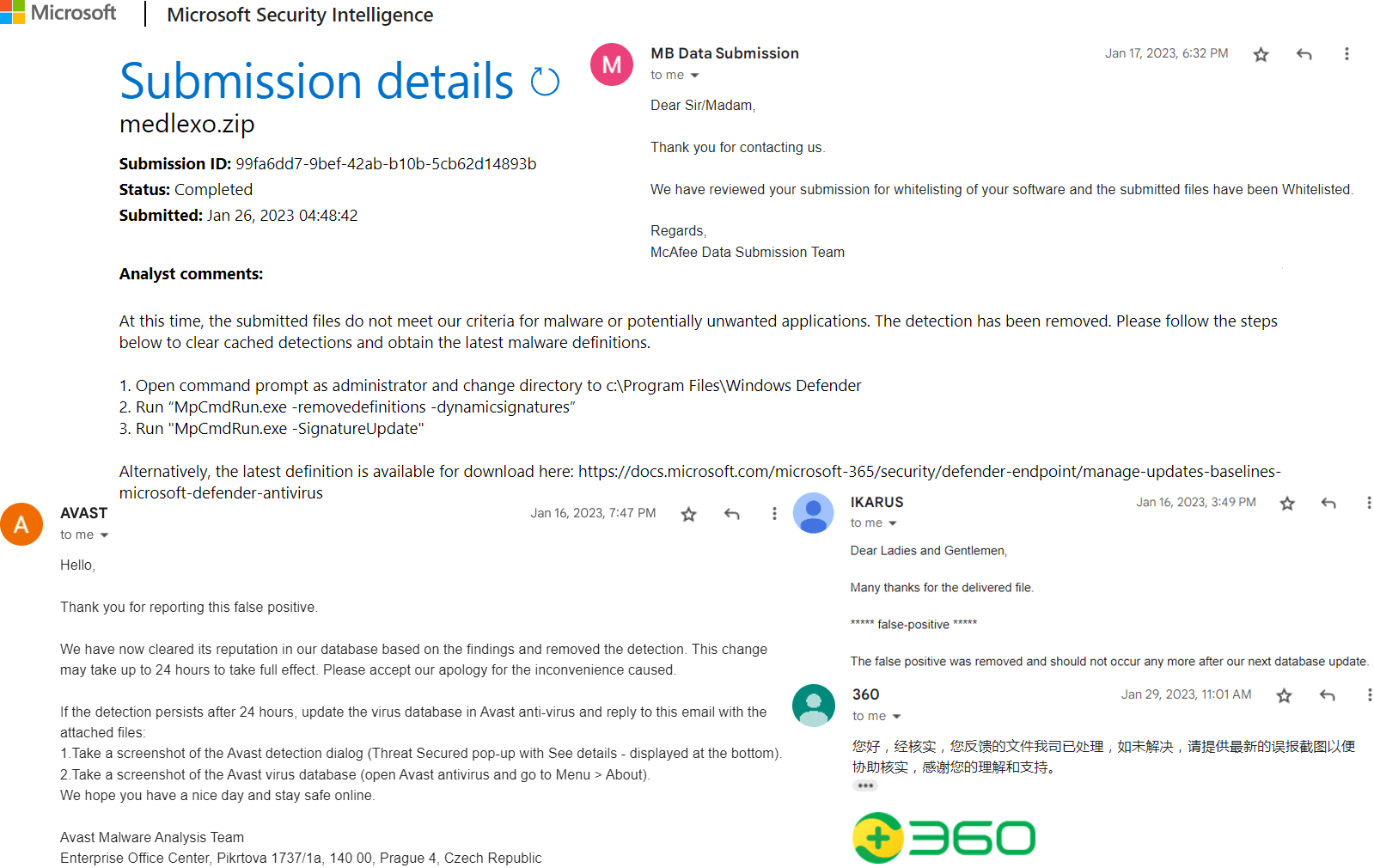
Yes, after Medlexo is downloaded, verify your md5 hash with this site. Each release is sent to malware analyst specialist team verified by human from company like Microsoft, Bitdefender, 360, Avira, F-Secure, Avast, AVG to check Medlexo application. Medlexo goal is to provide clean, High Quality app with no hidden cost.
Download 32 bit or 64bit is depend on you want which built-in ffmpeg, Medlexo itself support 32bit and 64bit. Choose the skin color you like if you use your own ffmpeg.
How can Medlexo just around 3mb yet so powerful? - short answer, no redundant function or code.
Please only download from this official site to get clean Medlexo.
Step 1
Download, extract and use! As simple as that.
Spoiler Alert. Features you get aio tool
- [lossless] MP4 and M4A Merger
- [lossless] .gif to .mp4 converter
- [lossless] .ts to .mp4 converter
- [lossless] Any file format to mp4 converter
- [lossless] Real Video Joiner
- [lossless] m3u8 downloader
- ytdl
- MP4 Compressor😍
- [lossless] audio extractor - no quality loss wav converter

2024 v9.7 releases
- batch convert subfolders
- GIF to MP4
- ytdl
- add video information
- m4a button add mp4 option
- m3u8 downloader
- add extract audio function
- record selection preference
- video joiner updated - press [Enter] to copy
- video compressor updated
- improved performance and fixed bugs
Step 2
Note: You can direct drag your video files into this tool
TS to MP4 - Select [Reencode] for gif. Any video or audio like TS to MP4 use [No quality loss] then click [Convert]
- Or to click button batch convert: group ts videos in a folder, tick the [Batch Convert] then only click [Convert]

MP4 and M4A Merge - Drag multiple pair named mp4 and m4a into Medlexo. Example pair: test.mp4 test.m4a
Or to click button batch convert: group named in pair mp4 and m4a to a folder, tick the [Batch Convert] then only click [Combine]
Or select single [mp4] and [m4a] respectively, click [Combine]
- You can drag respective mp4 and m4a into the textbox

Finally
Choose the final destination where you want your mp4 saved and it is all done. As easy as that.
Just use drop your video(s) into Medlexo if you don't want to use button.

Extra
Click [Click Me] to open output folder. If you want to use full version FFmpeg Click Here: normal converting use {lgpl-shared} for better compression use {gpl-shared}, place Medlexo into FFmpeg folder just outside the bin folder like screenshot below.
For ex: if you want to convert FLV MKV 3GP WEBM etc into MP4 then use full version ffmpeg. Place it to folder shown below, press [Any format to MP4] then click [Any file format to MP4] then drag any file format into the app.
For ex: MP4 got multiple codec, if you want AV1 VP8 VP9 VFS convert into normal x264 MP4 then use full version ffmpeg. Place it to folder shown below, press [MP4 Compressor] audio quality choose [Average Audio] then drag any video format into the app.
